Help
Establishments
More than one establishment, each with its own lists and Inventory.
What an establishment holds
Each establishment has its own lists and its own Inventory. My Lists shows them one under the other, each with an Inventory button beside its name.
Switch, mode, add, rename or delete
- In Inventory, press the establishment’s name.
- Choose another establishment to switch to it.
- Under This establishment, choose Easy or Par (see Easy or Par), or Rename, Delete or Add an establishment.
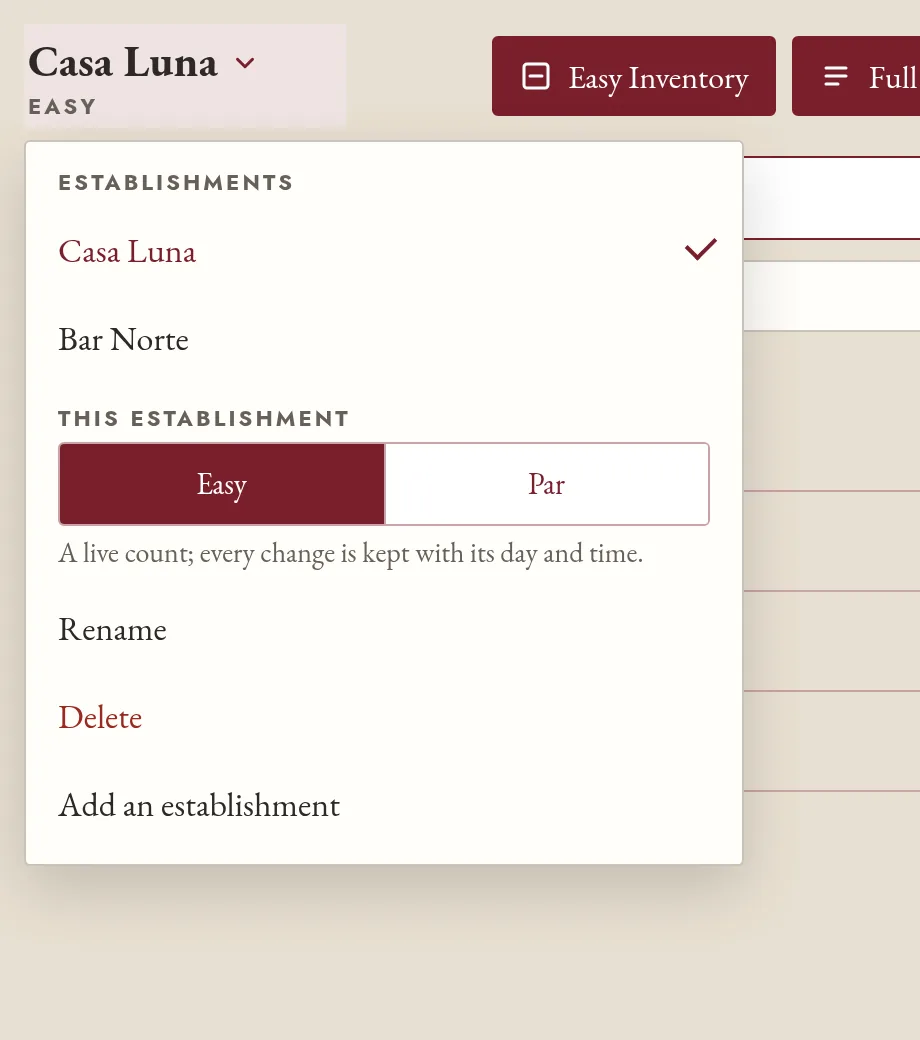
- In Inventory, press the establishment’s name.
- Choose another establishment to switch to it.
- Under This establishment, choose Easy or Par (see Easy or Par), or Rename, Delete or Add an establishment.
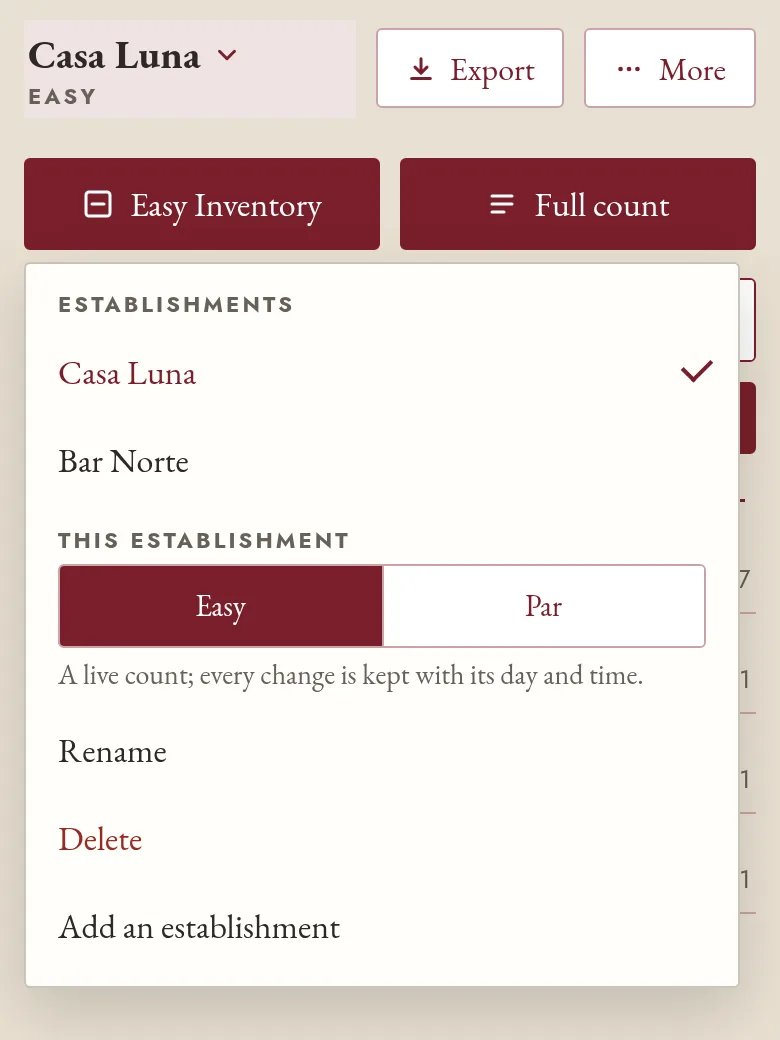
Delete removes the establishment and its counts, and asks a second time. With only one establishment, Delete cannot be pressed; TableSet keeps at least one. A new list can also start a new establishment, under For which establishment?
Move a list to another establishment
On My Lists, press ⋯ on the list’s card and choose Move to another establishment, or Unlink from establishment to let it stand on its own.
Move bottles to another establishment
Bottles sent from one establishment to another, such as six from the restaurant to the bar, come off one count and onto the other in one step.
- Open the wine’s page. Under Count, press Move bottles to another establishment.
- Choose where they go under To, type the bottles, and press Move. Whole bottles only, and never more than are on hand.
- If the other establishment already has the wine, its count goes up. If not, the wine is added there, on no list, with its details and supplier; owners and editors carry its cost across too.
- Both establishments show the move in the wine’s Activity, as Moved to or Moved from, and the report has a Moved column under Columns. A move is not a sale, so it never counts as sold.
- Undo, on the line that follows, puts both counts back, as long as neither has changed since.
- With one establishment, the form says to add a second one first.