Help · Lists
Print and share
Preview, Export PDF, Print and HTML for the web.
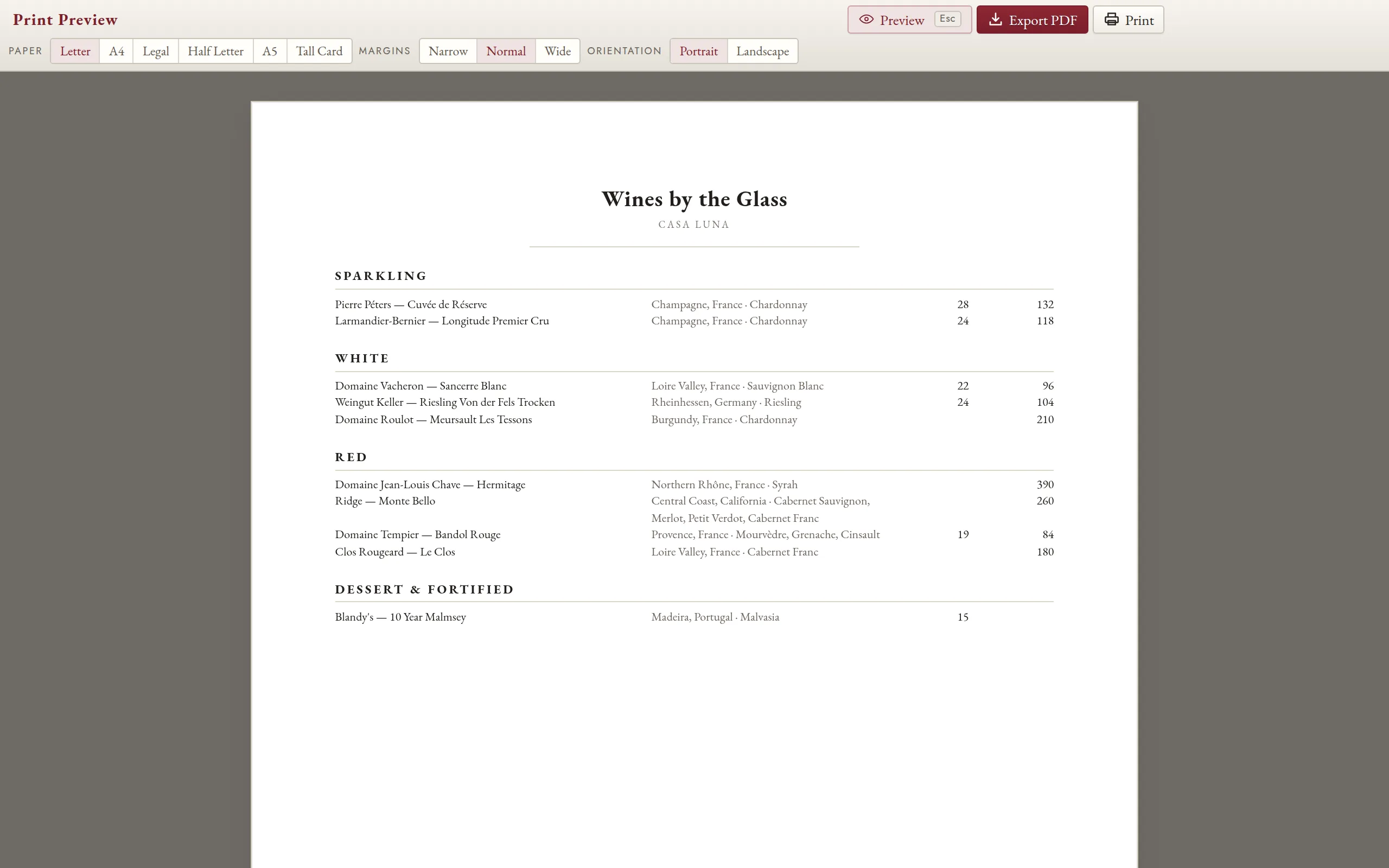
Preview the sheets
- Press Preview. The sheets show exactly as they print.
- Change the paper, margins or orientation along the top.
- Press Export PDF or Print. To go back to the editor, press Preview again, in the same place, or Esc.
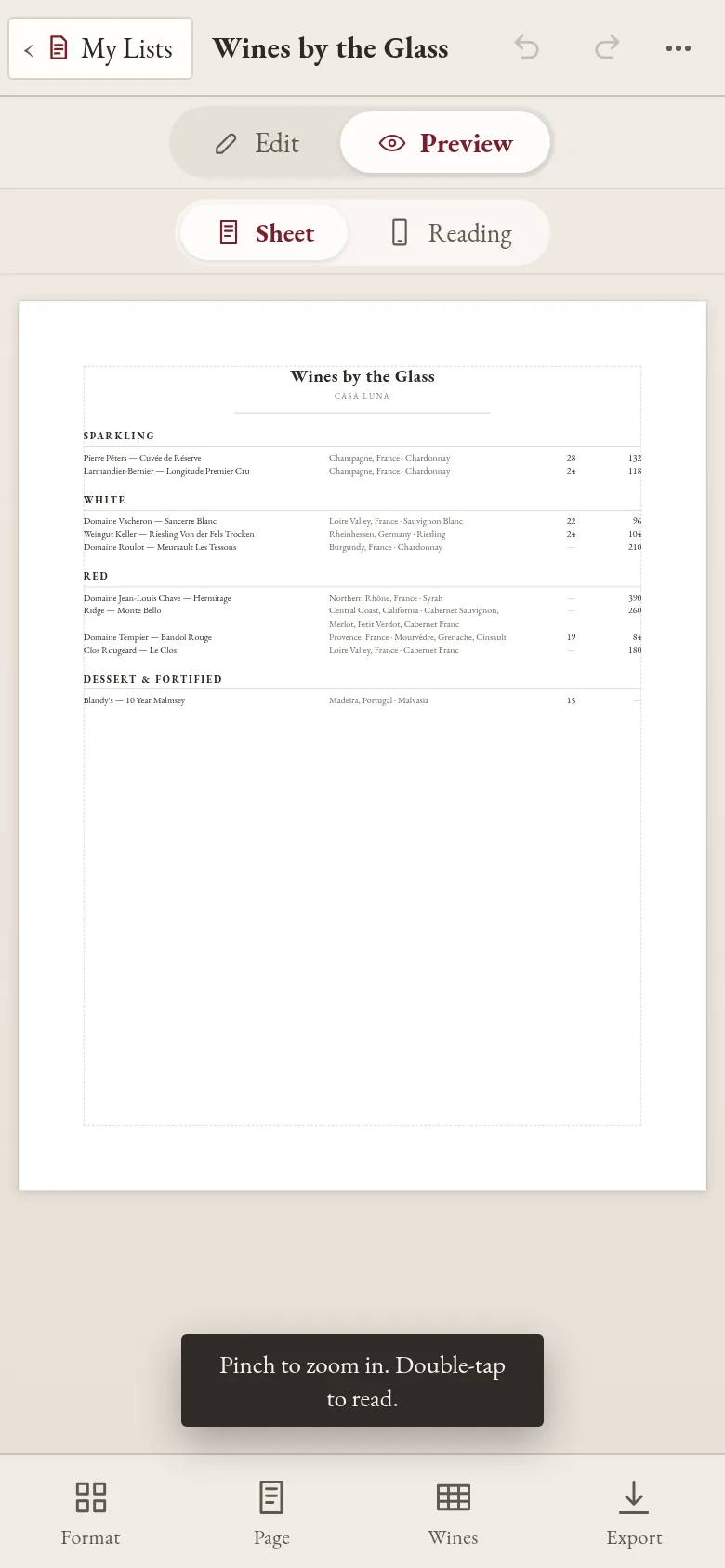
- Tap Preview.
- Choose Sheet to see the page, or Reading to read it at phone size. Pinch to zoom.
Export a PDF
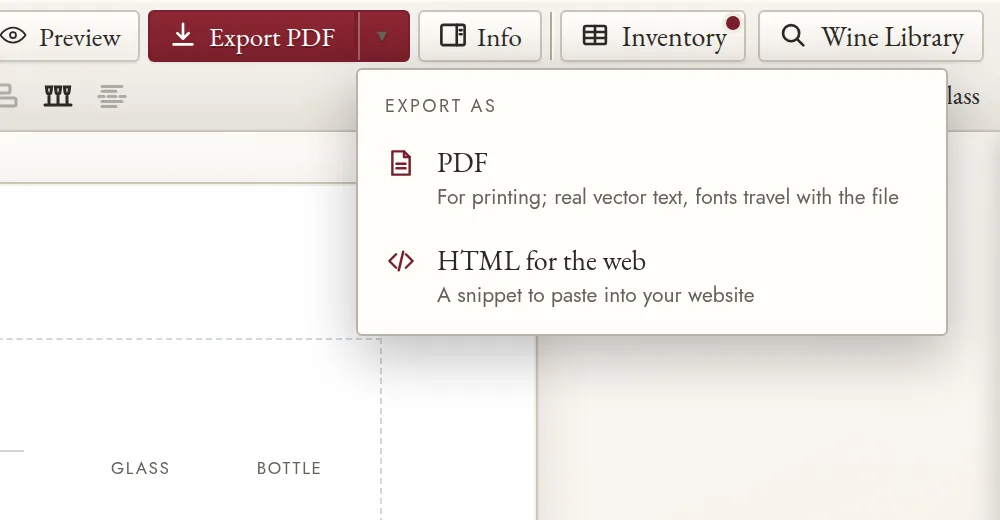
- Press Export PDF, or Ctrl+S. The file has real text, and its fonts travel with it.
- The arrow beside it offers PDF and HTML for the web.
- Tap Export.
- Tap Export PDF, Print or HTML for the web; Check the page first opens the preview.
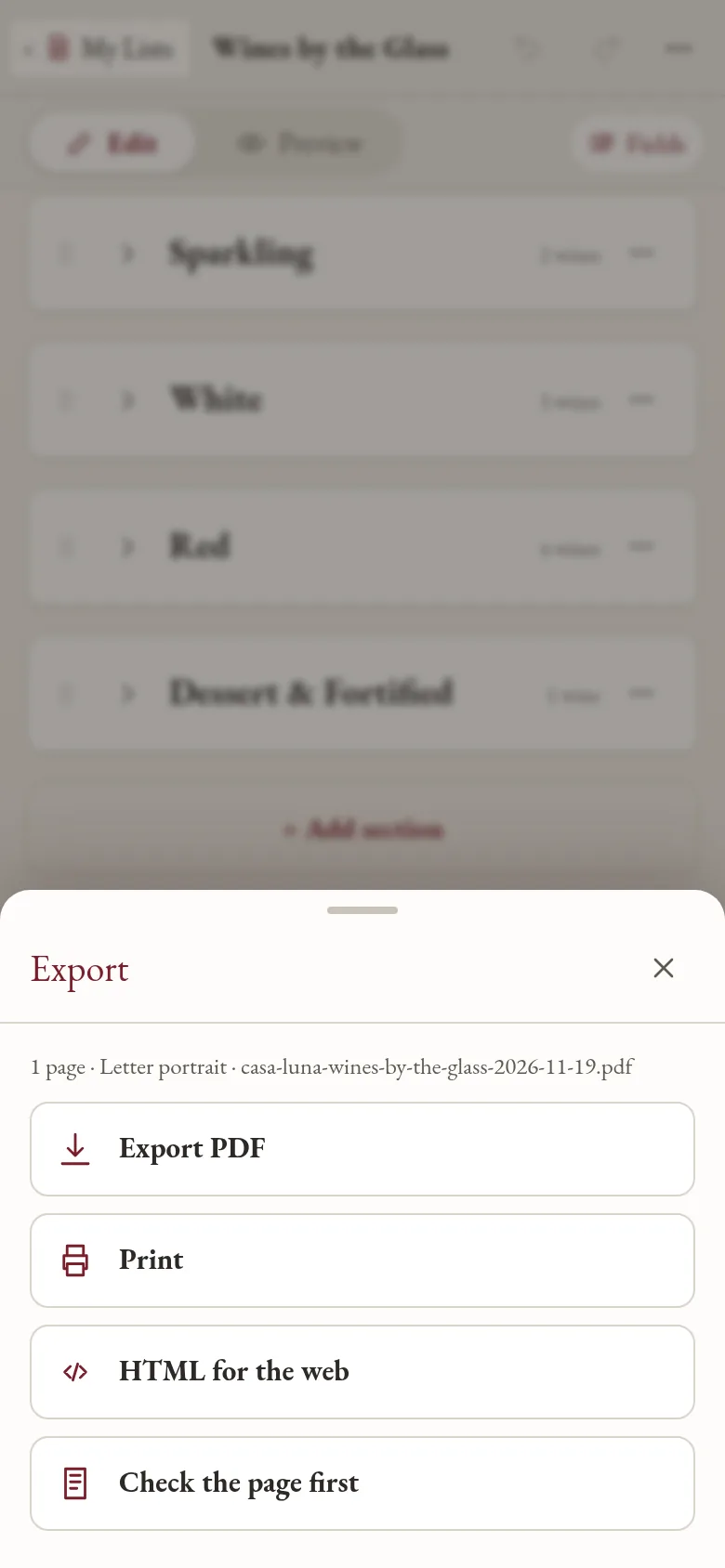
A PDF made on a phone matches one made at a desk.
Put the list on your website
HTML for the web makes a snippet to paste into your website, so the list online matches the one on the table.